Page 1 of 1
5 Electron Densities, Electrostatic Potentials, and Reactivity Indices Exercise 1 Visualizing Different Bond Types. Buil
Posted: Wed May 18, 2022 11:10 am
by answerhappygod
- 5 Electron Densities Electrostatic Potentials And Reactivity Indices Exercise 1 Visualizing Different Bond Types Buil 1 (188.07 KiB) Viewed 59 times
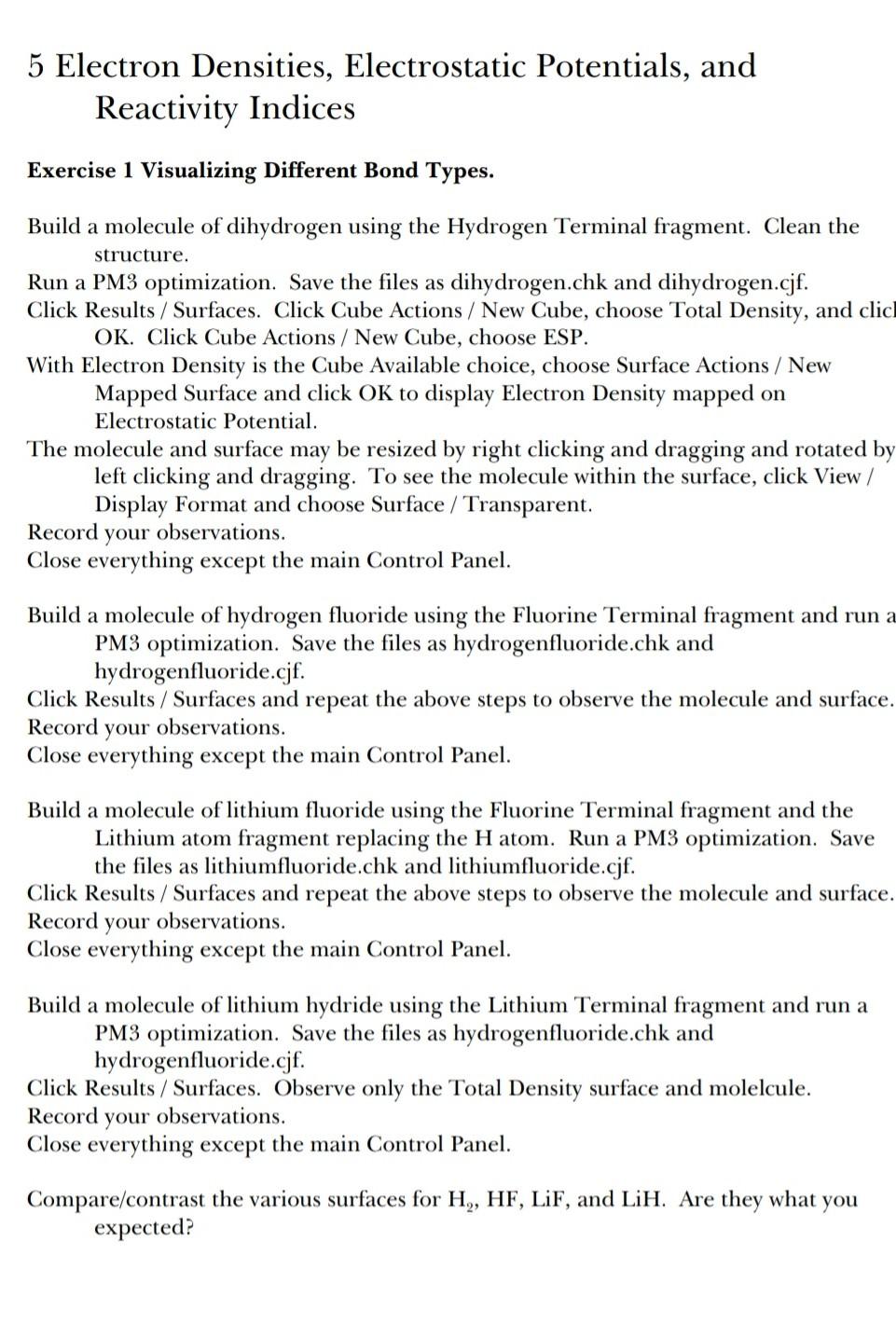
5 Electron Densities, Electrostatic Potentials, and Reactivity Indices Exercise 1 Visualizing Different Bond Types. Build a molecule of dihydrogen using the Hydrogen Terminal fragment. Clean the structure. Run a PM3 optimization. Save the files as dihydrogen.chk and dihydrogen.cjf. Click Results / Surfaces. Click Cube Actions / New Cube, choose Total Density, and clic OK. Click Cube Actions / New Cube, choose ESP. With Electron Density is the Cube Available choice, choose Surface Actions / New Mapped Surface and click OK to display Electron Density mapped on Electrostatic Potential. The molecule and surface may be resized by right clicking and dragging and rotated by left clicking and dragging. To see the molecule within the surface, click View / Display Format and choose Surface / Transparent. Record your observations. Close everything except the main Control Panel. Build a molecule of hydrogen fluoride using the Fluorine Terminal fragment and run a a PM3 optimization. Save the files as hydrogenfluoride.chk and hydrogenfluoride.cjf. Click Results / Surfaces and repeat the above steps to observe the molecule and surface. Record your observations. Close everything except the main Control Panel. Build a molecule of lithium fluoride using the Fluorine Terminal fragment and the Lithium atom fragment replacing the H atom. Run a PM3 optimization. Save the files as lithiumfluoride.chk and lithiumfluoride.cjf. Click Results / Surfaces and repeat the above steps to observe the molecule and surface. Record your observations. Close everything except the main Control Panel. Build a molecule of lithium hydride using the Lithium Terminal fragment and run a PM3 optimization. Save the files as hydrogenfluoride.chk and hydrogenfluoride.cjf. Click Results / Surfaces. Observe only the Total Density surface and molelcule. Record your observations. Close everything except the main Control Panel. Compare/contrast the various surfaces for H., HF, LiF, and LiH. Are they what you expected?