- In This Assignment You Will Be Reading In A Text File That We Provide To You And Creating Counts Of All Two Letter Pai 1 (174.31 KiB) Viewed 47 times
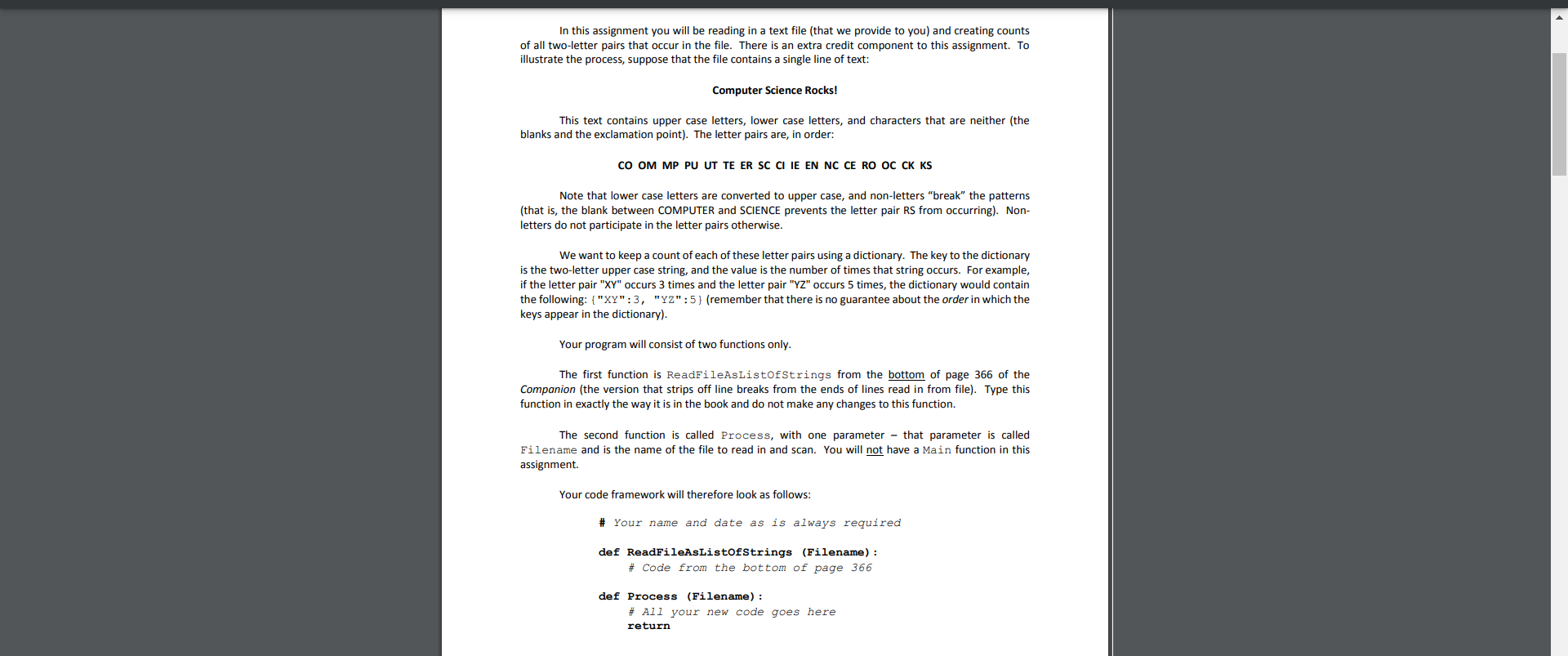
In this assignment you will be reading in a text file (that we provide to you) and creating counts of all two-letter pairs that occur in the file. There is an extra credit component to this assignment. To illustrate the process, suppose that the file contains a single line of text: Computer Science Rocks! This text contains upper case letters, lower case letters, and characters that are neither (the blanks and the exclamation point). The letter pairs are, in order: CO OM MP PU UT TE ER SC CIIE EN NC CE RO OC CK KS Note that lower case letters are converted to upper case, and non-letters "break" the patterns (that is, the blank between COMPUTER and SCIENCE prevents the letter pair RS from occurring). Non- letters do not participate in the letter pairs otherwise. We want to keep a count of each of these letter pairs using a dictionary. The key to the dictionary is the two-letter upper case string, and the value is the number of times that string occurs. For example, if the letter pair "XY" occurs 3 times and the letter pair "YZ" occurs 5 times, the dictionary would contain the following: {"XY":3, "YZ":5} (remember that there is no guarantee about the order in which the keys appear in the dictionary). Your program will consist of two functions only. The first function is ReadFileAsListofStrings from the bottom of page 366 of the Companion (the version that strips off line breaks from the ends of lines read in from file). Type this function in exactly the way it is in the book and do not make any changes to this function. The second function is called Process, with one parameter - that parameter is called Filename and is the name of the file to read in and scan. You will not have a Main function in this assignment. Your code framework will therefore look as follows: # Your name and date as is always required def ReadFileAsListofStrings (Filename): # Code from the bottom of page 366 def Process (Filename) : # All your new code goes here return
COMPSCI 119 - Spring 2022 - Lab Assignment #4 - ©2022 - Professor William T. Verts Your Task Fill in the Process function so that it reads in the file specified in Filename, computes the two-letter counts, then prints them out in ascending order by letter-pair (alphabetical order). This must work for any file name without changing your code to do so. That is, if we have two files A.txt and B.txt in our program folder that we want to check, we would do this by typing Process ("A.txt") on one line and Process ("B.txt") on the next. The file that we will want you to process is called Gettysburg.txt and is available for download from the Moodle page (put it in the same folder as your Python code). It contains the text from Abraham Lincoln's Gettysburg Address. To process that file, you would type Process ("Gettysburg.txt") at the >>> prompt in the command shell. The first and last parts of the expected printout are: AB 2 AC 2 AD 5 AG 2 AH 1 AI 2 AK 1 AL 8 WE 11 WH 8 WI 1 WO 2 YE 1 This tells us that the letter-pair AB occurs twice in the file, the letter-pair AD appears five times, the letter pair We appears 11 times, and so on. You will have to figure out how to extract the keys from the dictionary, sort them, and then use those keys to print out each key and its count. Remember that you must include a comment at the top of your program containing your name, "Lab #4", and the date you turn it in.