- Due Date Thursday 03 17 Submission Is Due By 3 45pm On Canvas This Laboratory Exercise Requires You To Develop The Us 1 (59.51 KiB) Viewed 17 times
- Due Date Thursday 03 17 Submission Is Due By 3 45pm On Canvas This Laboratory Exercise Requires You To Develop The Us 2 (27.5 KiB) Viewed 17 times
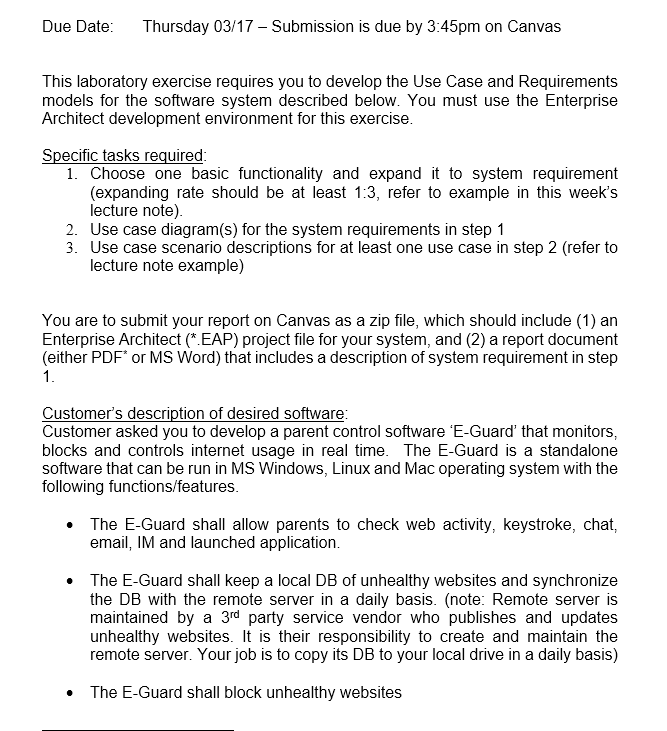
Due Date: Thursday 03/17 - Submission is due by 3:45pm on Canvas This laboratory exercise requires you to develop the Use Case and Requirements models for the software system described below. You must use the Enterprise Architect development environment for this exercise. Specific tasks required: 1. Choose one basic functionality and expand it to system requirement (expanding rate should be at least 1:3, refer to example in this week's lecture note). 2. Use case diagram (s) for the system requirements in step 1 3. Use case scenario descriptions for at least one use case in step 2 (refer to lecture note example) You are to submit your report on Canvas as a zip file, which should include (1) an Enterprise Architect (*.EAP) project file for your system, and (2) a report document (either PDF* or MS Word) that includes a description of system requirement in step 1. Customer's description of desired software: Customer asked you to develop a parent control software E-Guard' that monitors, blocks and controls internet usage in real time. The E-Guard is a standalone software that can be run in MS Windows, Linux and Mac operating system with the following functions/features. • The E-Guard shall allow parents to check web activity, keystroke, chat, email, IM and launched application. • The E-Guard shall keep a local DB of unhealthy websites and synchronize the DB with the remote server in a daily basis. (note: Remote server is maintained by a 3rd party service vendor who publishes and updates unhealthy websites. It is their responsibility to create and maintain the remote server. Your job is to copy its DB to your local drive in a daily basis) The E-Guard shall block unhealthy websites
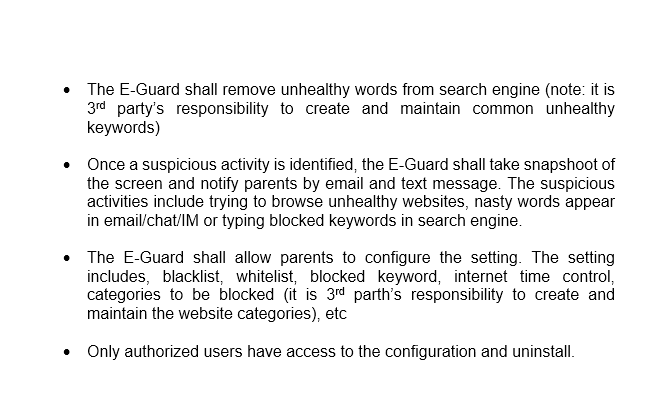
The E-Guard shall remove unhealthy words from search engine (note: it is 3rd party's responsibility to create and maintain common unhealthy keywords) Once a suspicious activity is identified, the E-Guard shall take snapshoot of the screen and notify parents by email and text message. The suspicious activities include trying to browse unhealthy websites, nasty words appear in email/chat/IM or typing blocked keywords in search engine. • The E-Guard shall allow parents to configure the setting. The setting includes, blacklist, whitelist, blocked keyword, internet time control, categories to be blocked (it is 3rd parth's responsibility to create and maintain the website categories), etc • Only authorized users have access to the configuration and uninstall.